robonix.robot.agilex.ranger_with_piper_mujoco
robot
v0.2.0
Selectable Web/native MuJoCo simulation of Ranger Mini V3 and Piper for Robonix.
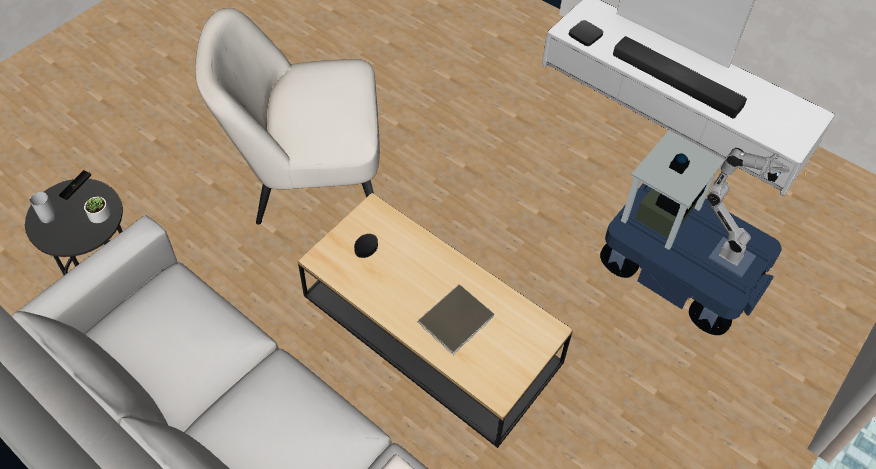
MuJoCo Ranger Piper for Robonix
English | 简体中文
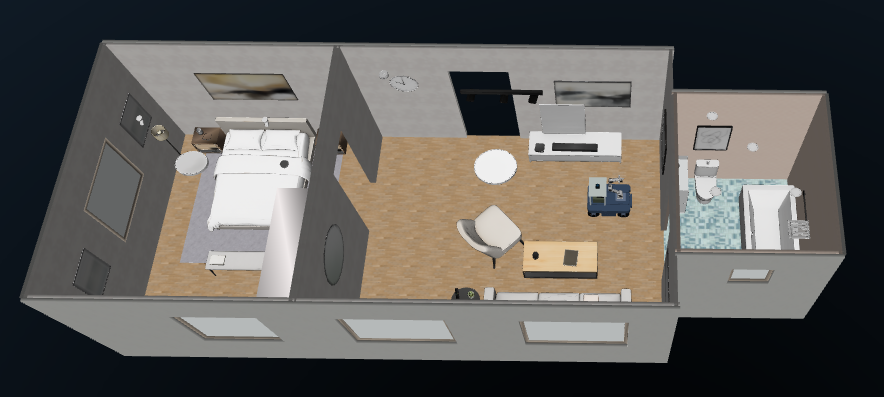
A self-contained Robonix body package for an AgileX Ranger Mini V3 carrying a
Piper arm. The simulator can use a Web or native MuJoCo backend and defaults to
Web. Start MuJoCo in one terminal, load the body package
with rbnx boot in another, then use rbnx chat for mapping, exploration,
navigation, obstacle avoidance, perception, grasping, and placement.
The Web backend supports both Gaussian Splatting (.spz) and textured Mesh
environments. The native backend supports Mesh environments and exits with an
error for SPZ. The selected environment determines the visual mode automatically.
MuJoCo geometry remains the source of contact, LiDAR, and depth data in both modes,
so visual assets and robot capabilities stay cleanly separated.
Demo
Web MuJoCo Viewer
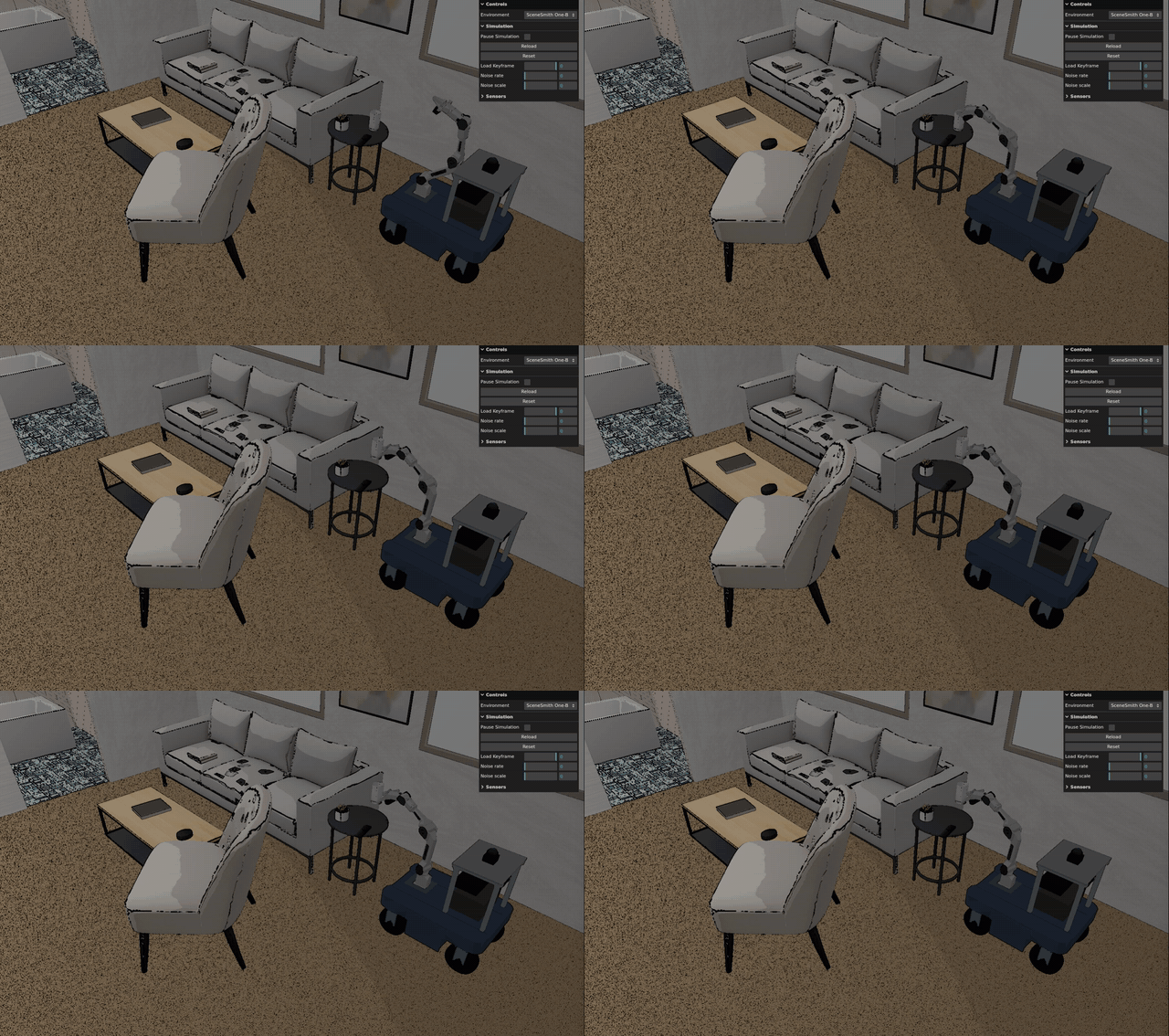
Watch the complete 64-second navigation and cup-pick demo
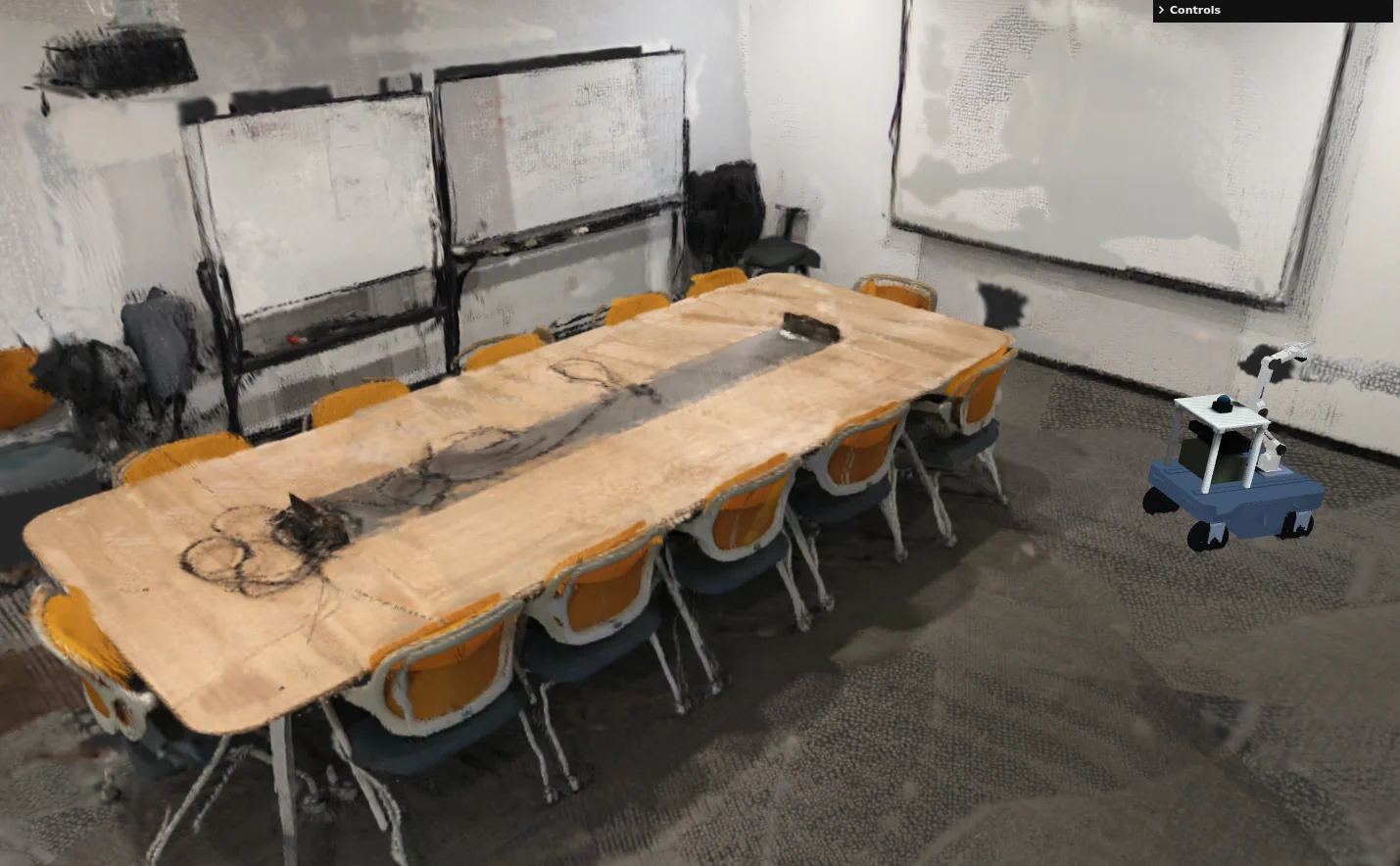
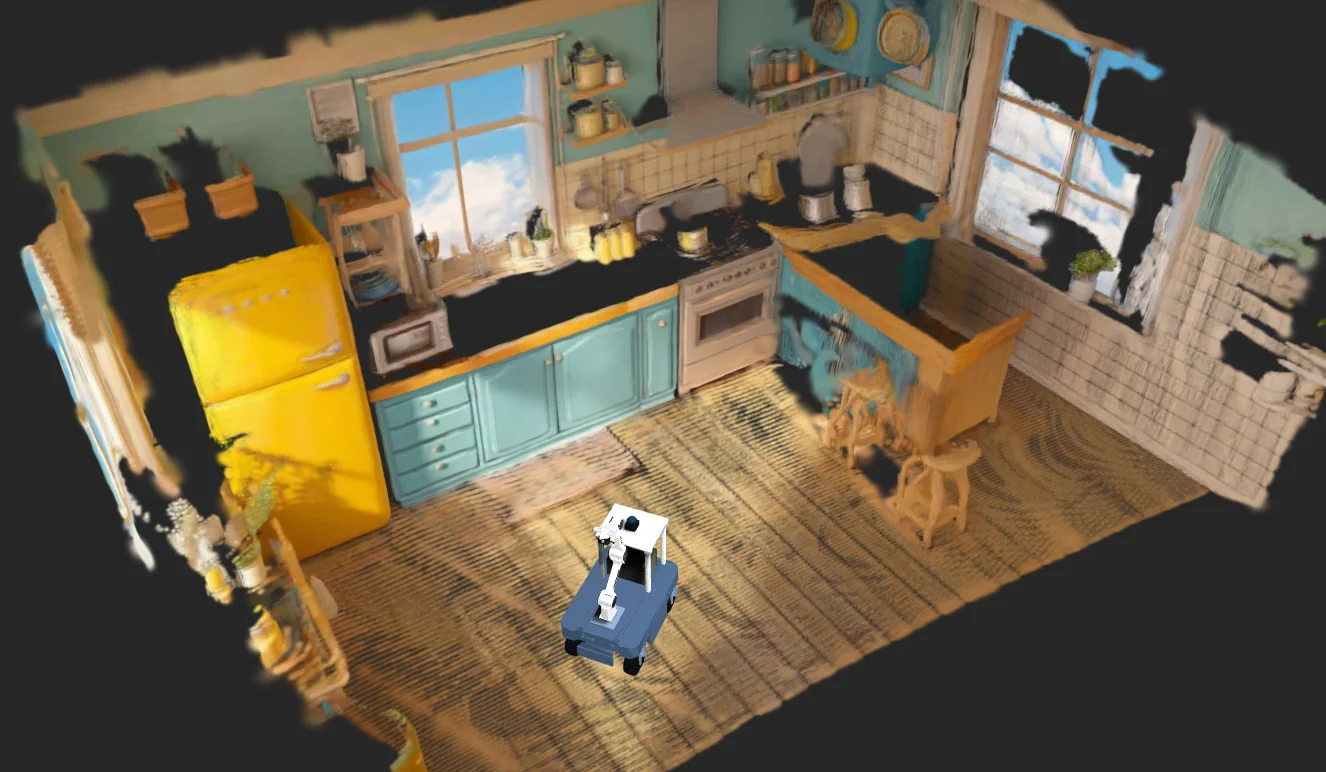
| Gaussian Splatting | Textured Mesh |
|---|---|
 |
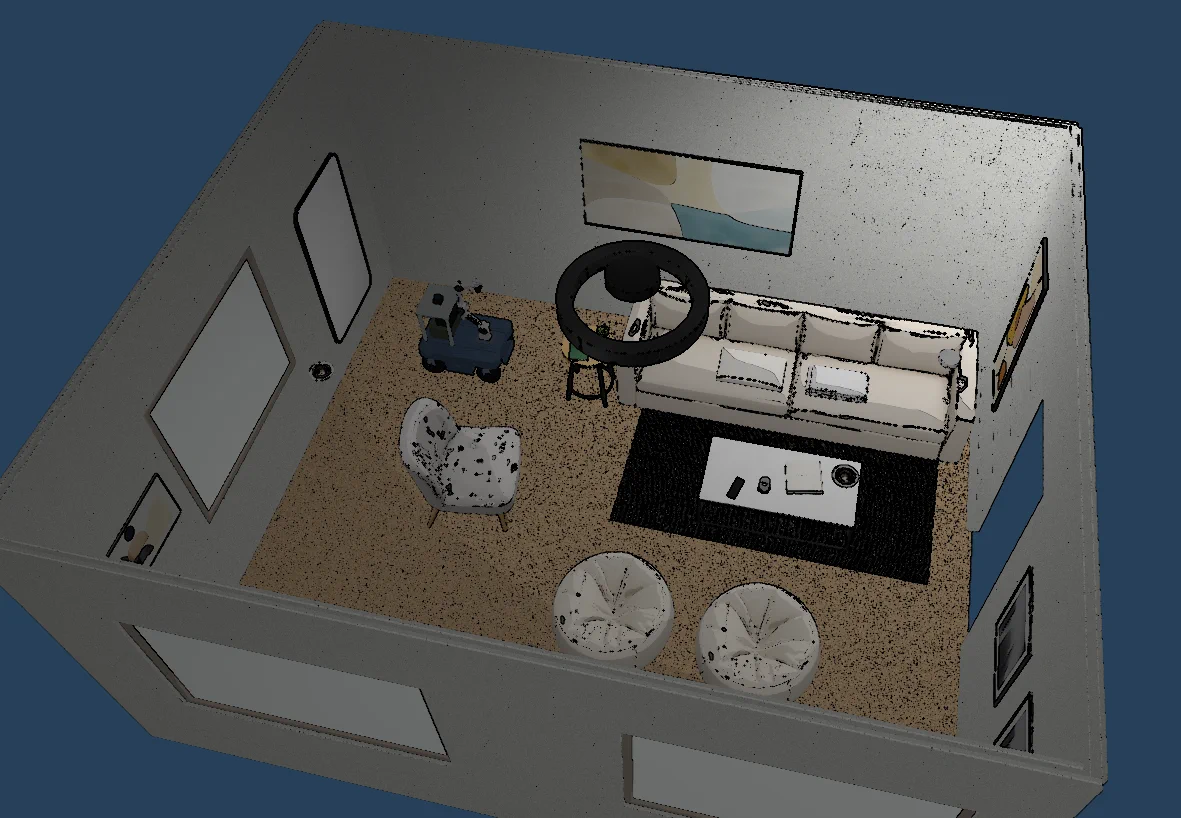 |
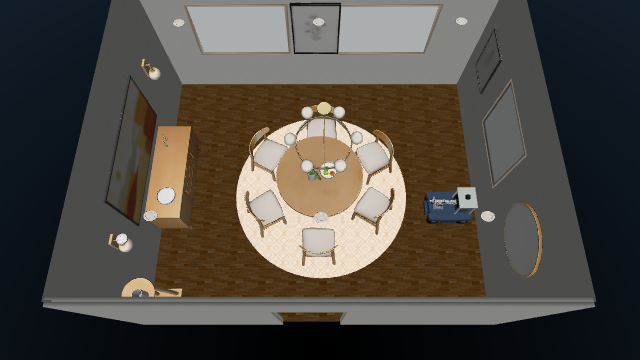
| Meeting Room | SceneSmith Living Room 030 |
 |
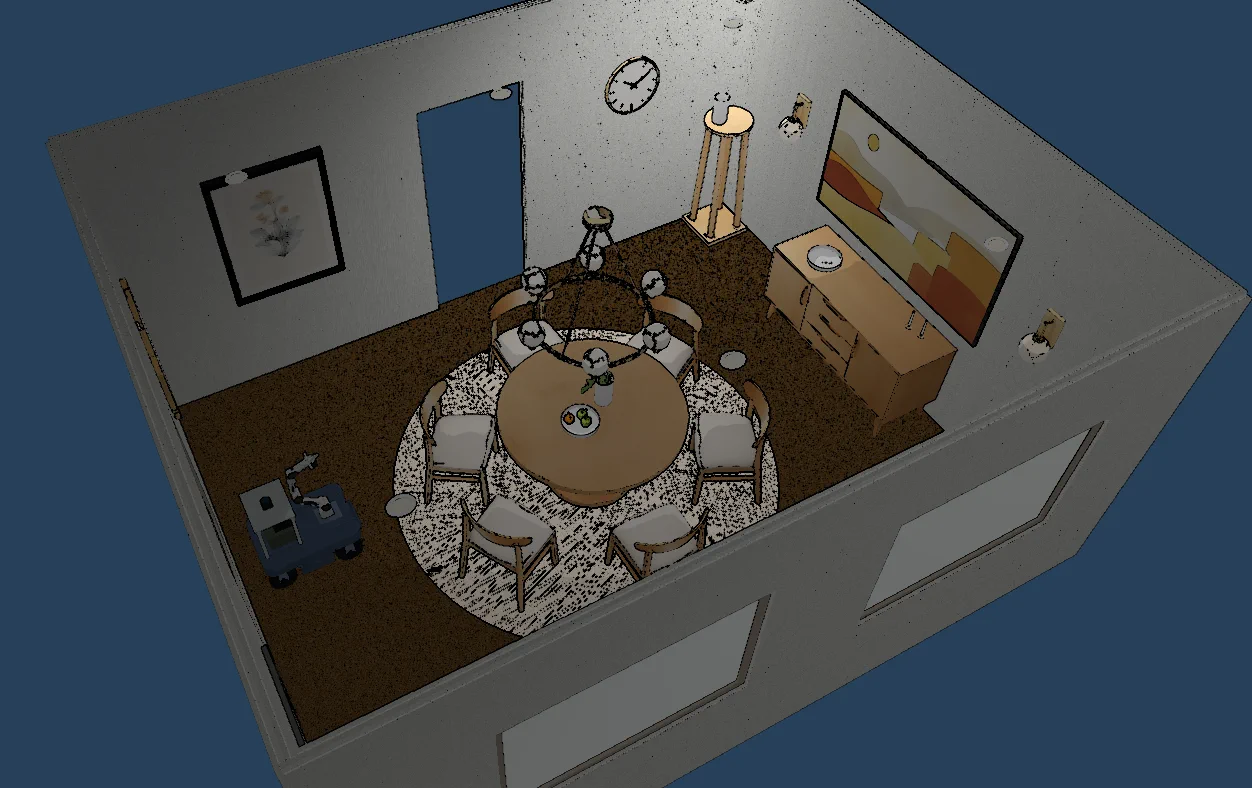 |
| Kitchen | SceneSmith Dining Room 036 |
See the complete environment gallery below. Repository
media lives under docs/media/.
Native MuJoCo viewer
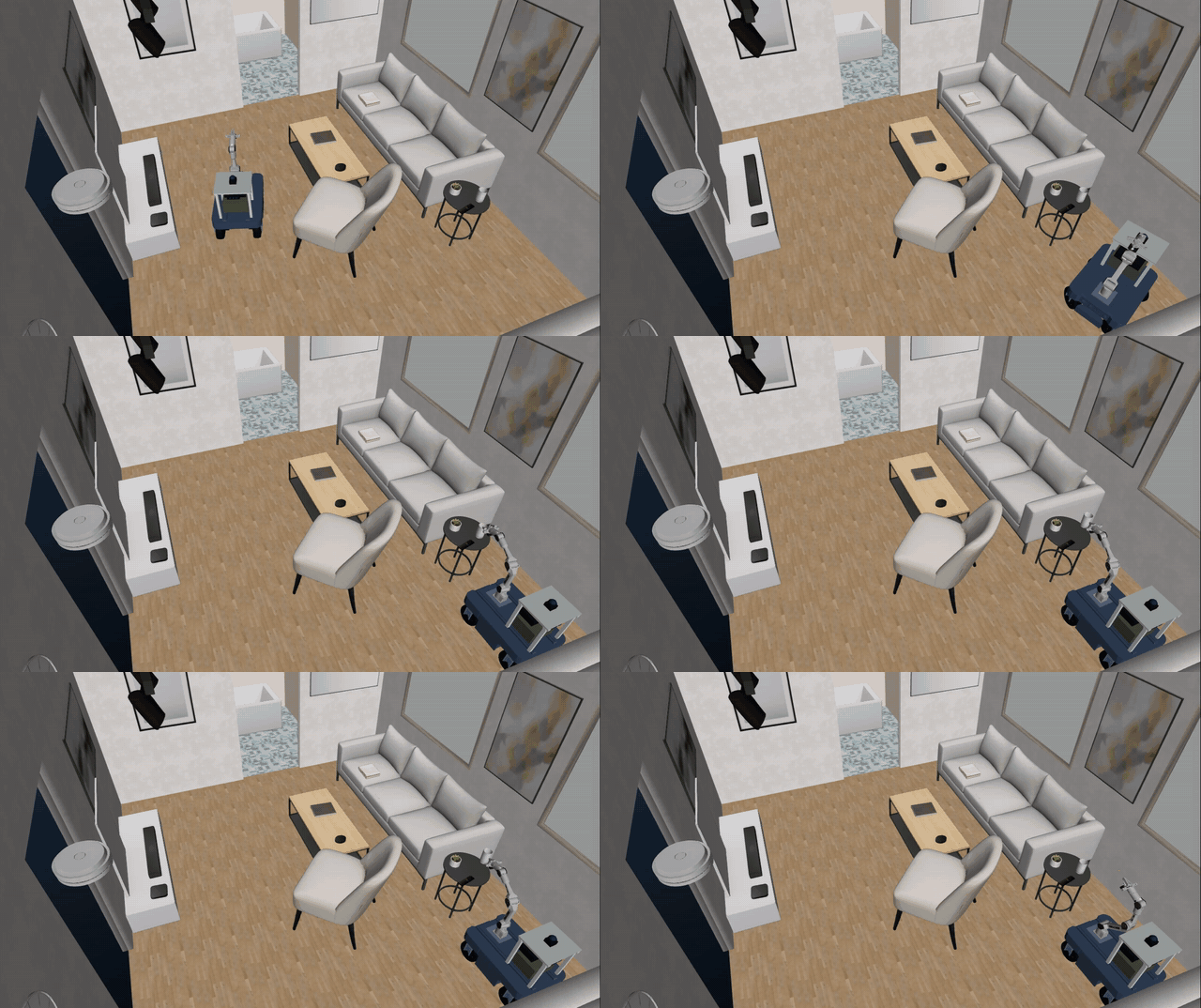
Watch the complete 103-second native navigation and cup-pick demo
The native viewer renders Mesh environments directly through MuJoCo's
hardware-accelerated OpenGL path, generally producing clearer and more stable
materials, lighting, and overall presentation than the Web viewer. It requires
a connected display and an available X11 or WSLg graphics session. Use
--headless when no display is available; RGB cameras still require the GPU.
The viewer starts with a free camera: right-drag pans, Shift + right-drag
pans horizontally, left-drag rotates, and the wheel zooms.
| Default apartment | Dining room 036 |
|---|---|
|
 |
Capabilities
| Component or service | Provider | Exposed capability |
|---|---|---|
| Ranger Mini V3 base | ranger_chassis |
Relative motion, continuous Twist commands, odometry |
| MID-360 LiDAR | mid360_lidar |
2D LaserScan, 3D PointCloud2, snapshots |
| MID-360 IMU | mid360_imu |
Angular velocity and linear acceleration |
| Front Gemini 336L | front_camera |
RGB, depth, intrinsics, extrinsics, snapshots |
| Piper wrist camera | wrist_camera |
RGB, depth, intrinsics, snapshots |
| Piper and gripper | piper_ctl |
Joint/TCP state and commands, gripper control |
| RTAB-Map | mapping |
Online occupancy map, fused cloud, map-frame pose, persistence |
| Nav2 | nav2 |
Goal navigation, speed limits, obstacle avoidance |
| Scene | scene |
Objects, spatial relations, nearby navigation goals |
| Explore | explore |
Asynchronous frontier exploration |
| Pick | pick |
Object resolution, physical grasp verification, safe placement |
Audio is intentionally omitted. SPZ splats and static SceneSmith furniture are not graspable; manipulation is limited to dynamic objects explicitly registered by an environment.
Architecture
rbnx chat / rbnx ask
        |
Pilot + Executor + Atlas + Soma + Scene
        |
Mapping / Nav2 / Explore / Pick
        |
six local primitives
        |
ROS 2 <-> WebSocket bridge <-> Web MuJoCo (default, SPZ/Mesh)
                         \----> native MuJoCo (Mesh, GPU viewer/RGB)
                               |-- physics, sensors, dynamic objects
Robot dimensions, footprint, hierarchy, and gripper state are defined in
soma.yaml; the transform tree is in urdf/ranger_piper.urdf; robot-specific
RTAB-Map and Nav2 parameters live in config/. Each local package contains a
package_manifest.yaml, config.spec, and CAPABILITY.md.
For implementation details, see Robonix integration and simulation architecture.
Requirements
The end-to-end setup is tested on x86_64 Ubuntu 22.04 with ROS 2 Humble, Docker,
and rbnx 0.1.0. You need:
- Docker Engine with the Compose plugin; the current user must be able to run
docker ps; - Node.js 20 or newer, Python 3, and
curl; - a WebGL 2 desktop session for the Web backend, or
SIM_HEADLESS=1on a machine without a display; - X11/WSLg, hardware OpenGL, and
/dev/dxgfor the native backend; - a Robonix source tree and the
rbnxcommand; - network access to npm, GitHub, and the Playwright browser download service during bootstrap.
SPZ rendering is expensive under software WebGL. Native MuJoCo physics still runs
on the CPU, while its viewer and offscreen RGB cameras use the GPU. Native startup
rejects llvmpipe and other software renderers. --headless disables only the
native viewer; camera rendering remains GPU-backed.
Installation
1. Install Robonix
Install Robonix using the official documentation and make its source tree available locally.
2. Configure this body package
git clone <repository-url> ~/mujoco_robonix
cd ~/mujoco_robonix
cp .env.example .env
Edit .env:
# Robonix is normally discovered through `rbnx path robonix-api`.
# Set one of these only when automatic discovery is unavailable.
# ROBONIX_SOURCE_PATH=/home/your-name/robonix
# ROBONIX_API_PATH=/home/your-name/robonix/pylib/robonix-api
VLM_BASE_URL=your-model-url
VLM_API_KEY=replace-me
VLM_MODEL=your-model-name
# Optional. The bridge image contains Fast DDS by default.
MUJOCO_RMW_IMPLEMENTATION=rmw_fastrtps_cpp
# Default simulator backend. Valid values: web, native.
# SIM_BACKEND=web
# Set 1 on a machine with no display: the native viewer does not open, and the
# web backend renders in a headless browser instead of a window.
# SIM_HEADLESS=0
# Web backend, headless only. 1 renders on the GPU through ANGLE/EGL; 0 falls
# back to software WebGL, which is far slower. Ignored when SIM_HEADLESS=0.
# SIM_GPU_HEADLESS=1
# Native mode rejects software OpenGL unless explicitly disabled.
# SIM_GPU_REQUIRED=1
The simulator resolves and validates robonix-api before creating its bridge
container. Explicit paths, Robonix Console installations, sibling source
checkouts, and rbnx path robonix-api are supported without editing scripts.
VLM_API_KEY is shared by Pilot and the Pick skill. Keep it out of Git. Define it
in the project .env or export it before sourcing scripts/env.sh.
3. Bootstrap
cd ~/mujoco_robonix
bash scripts/bootstrap.sh
Bootstrap installs frontend dependencies from the lockfile, installs Playwright
Chromium, builds the ROS 2 Humble bridge image, validates the six primitives and
Pick skill, and runs rbnx build -f robonix_manifest.yaml for the official
Mapping, Navigation, and Explore packages.
Generated dependencies, virtual environments, Robonix build state, and runtime
logs are excluded by .gitignore.
Start
The lifecycle mirrors the Robonix Webots example: simulator, Robonix stack, and chat each use a separate terminal.
Terminal 1: MuJoCo simulator
cd ~/mujoco_robonix
bash sim/start.sh
With no backend option this starts web. Wait for [sim/start] ... ready.
The default UI is:
http://127.0.0.1:5180/?environment=scenesmith_house_187
Bridge health is available at http://127.0.0.1:8766/health. Startup failures are
captured in .runtime/bridge.log and .runtime/browser.log. The bridge uses
MUJOCO_RMW_IMPLEMENTATION and deliberately does not inherit a generic shell
RMW_IMPLEMENTATION; keep the Humble image on rmw_fastrtps_cpp unless you also
install another RMW implementation in that image.
Start the native viewer for a Mesh environment. A connected display and an X11/WSLg graphics session are required:
bash sim/start.sh --backend native --viewer --environment scenesmith_house_187
Run native MuJoCo without the viewer, retaining GPU RGB rendering:
bash sim/start.sh --backend native --headless --environment scenesmith_house_187
The same defaults can be set with SIM_BACKEND=web|native and
SIM_HEADLESS=0|1 in .env. Native mode accepts only visualMode=mesh;
starting kitchen or meeting_room with native mode prints
native backend does not support SPZ and exits nonzero. GPU enforcement is on
by default; set SIM_GPU_REQUIRED=0 only for deliberate software-rendering diagnostics.
Terminal 2: Robonix body package
cd ~/mujoco_robonix
source scripts/env.sh
rbnx boot
Run rbnx boot from the repository root so it finds robonix_manifest.yaml.
The six primitives plus Mapping, Nav2, and Scene should become ACTIVE. Pick and
Explore are on-demand skills and may initially appear as INACTIVE.
Check the running system from another configured shell:
cd ~/mujoco_robonix
source scripts/env.sh
rbnx caps -v
rbnx tools
curl -fsS http://127.0.0.1:8766/health
Terminal 3: chat
cd ~/mujoco_robonix
source scripts/env.sh
rbnx chat
Example requests:
What capabilities does this robot have?
Capture the front camera and describe what the robot sees.
Move forward by 0.3 meters.
Explore the living room, bedroom, and bathroom for up to 300 seconds at no more than 0.18 m/s; return the task ID.
Navigate to map coordinate x=3.92, y=3.25 with final yaw=0, then pick up the water glass on the side table.
Put down the held object safely.
The side table also contains a TV remote and a small succulent. Exploration is asynchronous: start it once, retain the returned task ID, and query that task for progress. Do not run manual base commands, navigation, or grasping concurrently with exploration.
For non-interactive debugging:
rbnx ask "Explore the apartment for up to 300 seconds and return the task ID."
rbnx ask "Navigate to x=3.92, y=3.25, yaw=0, then pick up the water glass on the side table."
Environments
| Environment ID | Display name | Visual mode | Dynamic objects |
|---|---|---|---|
scenesmith_house_187 |
SceneSmith One-Bedroom Apartment 187 (default) | Mesh | Water glass, TV remote, succulent |
kitchen |
Kitchen | SPZ | None |
meeting_room |
Meeting Room | SPZ | None |
scenesmith_room_005 |
SceneSmith Bedroom 005 | Mesh | None |
scenesmith_room_030 |
SceneSmith Living Room 030 | Mesh | Glass jar, hardcover book, plant |
scenesmith_room_036 |
SceneSmith Dining Room 036 | Mesh | None |
scenesmith_room_125 |
SceneSmith Office 125 | Mesh | None |
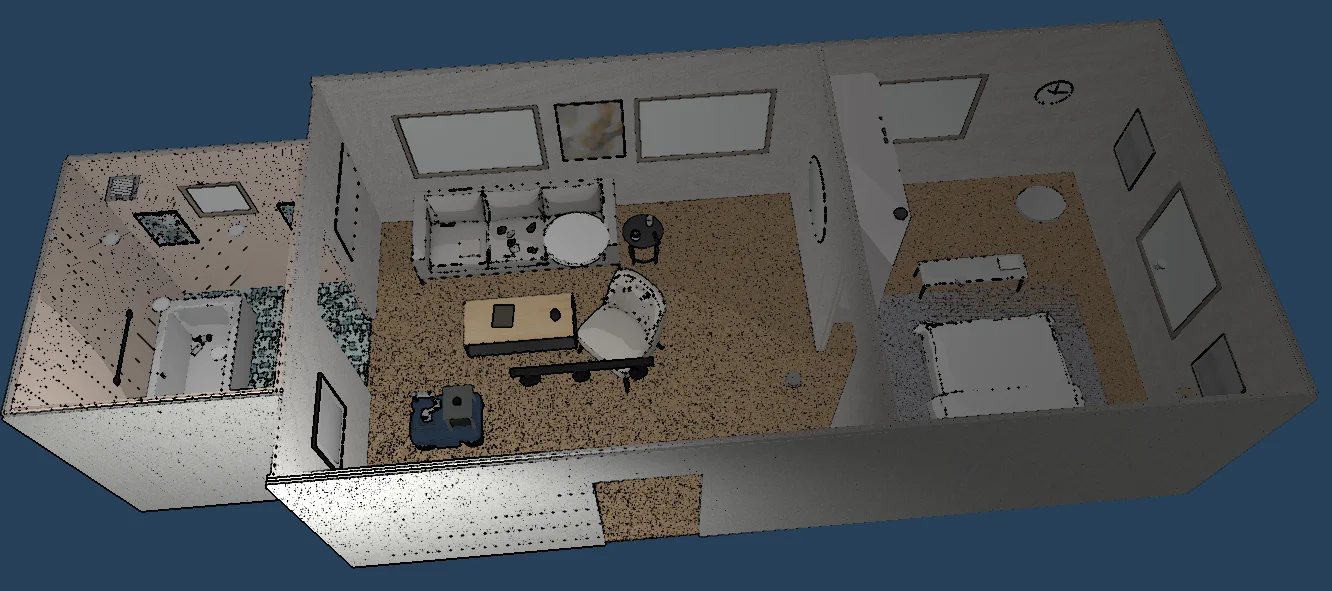
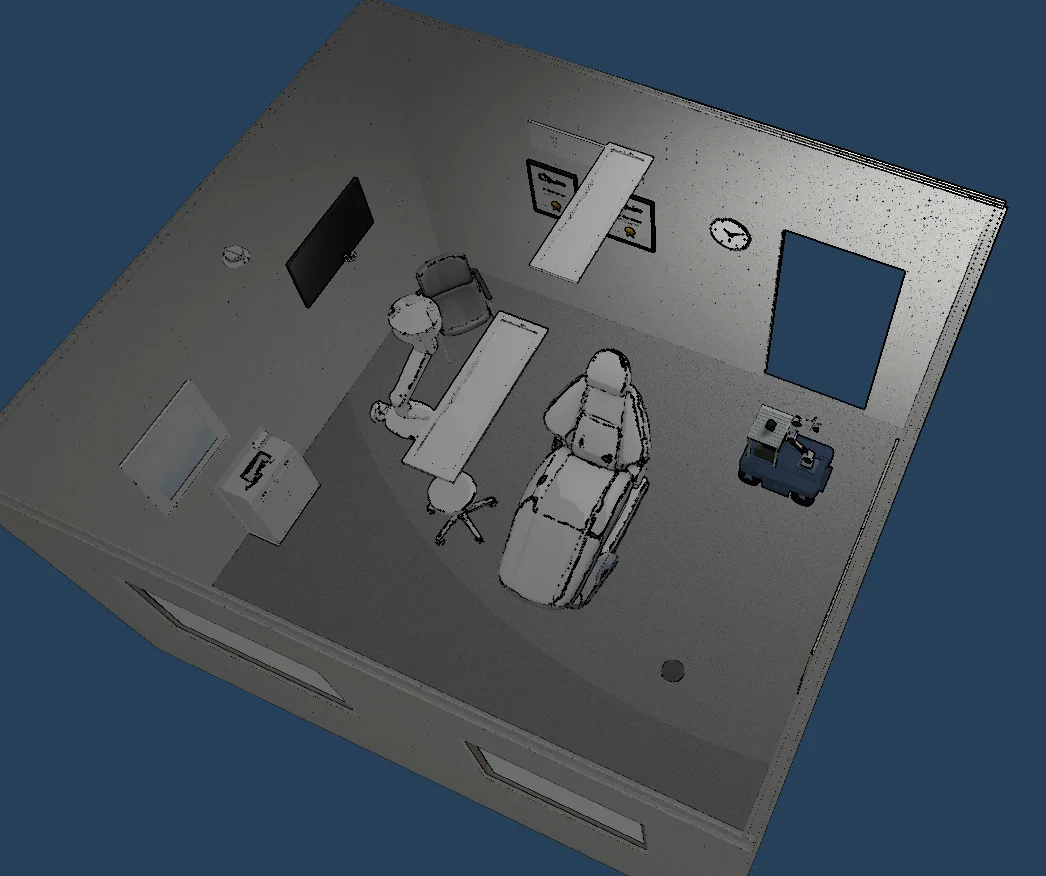
Environment gallery
Web MuJoCo Viewer
| Default apartment | Bedroom |
|---|---|
 |
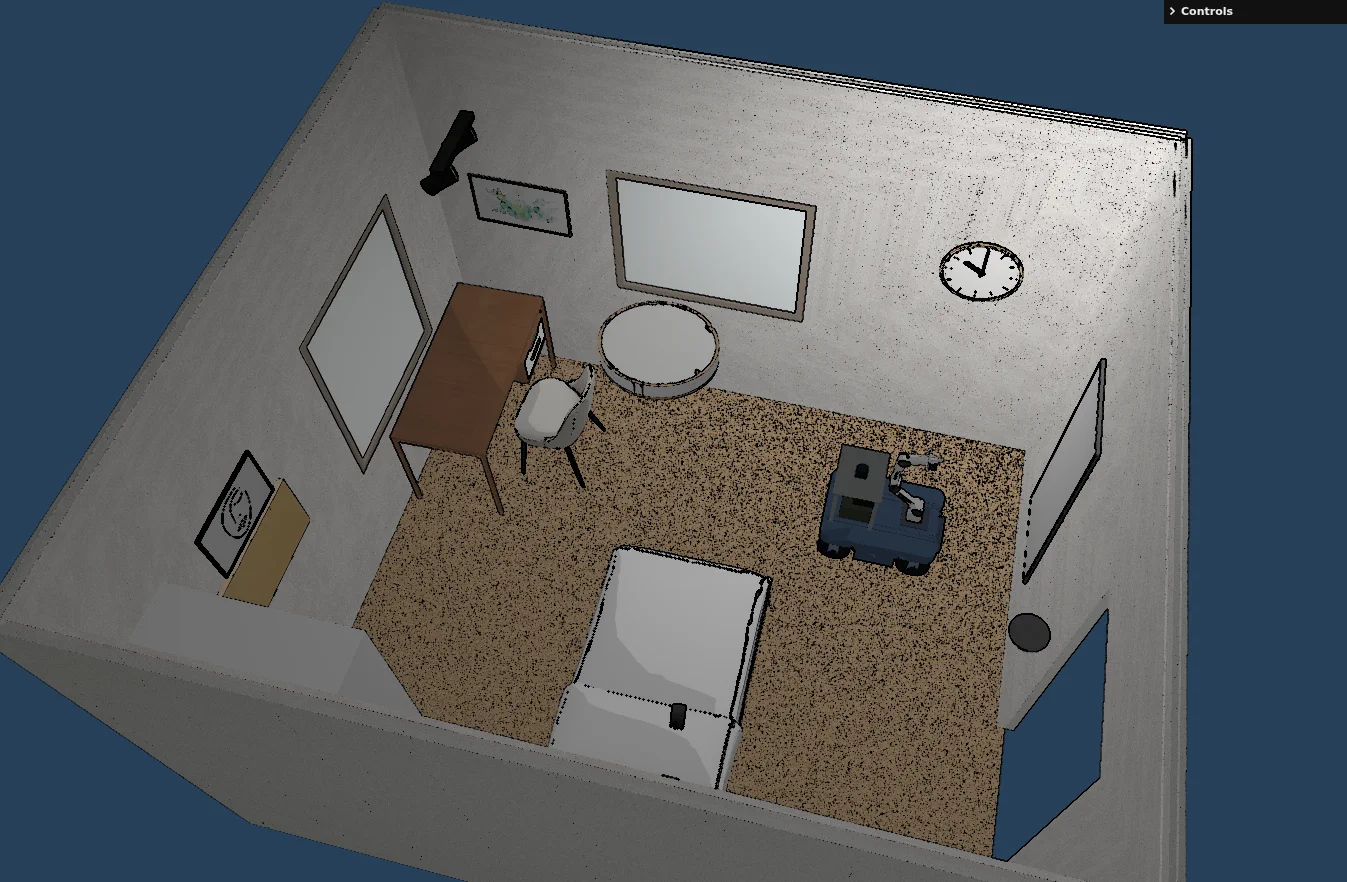 |
| SceneSmith One-Bedroom Apartment 187 | SceneSmith Bedroom 005 |
| Living room | Dining room |
|
|
| SceneSmith Living Room 030 | SceneSmith Dining Room 036 |
| Office | Meeting Room SPZ |
 |
|
| SceneSmith Office 125 | Meeting Room |
Kitchen SPZ:
Native MuJoCo Viewer
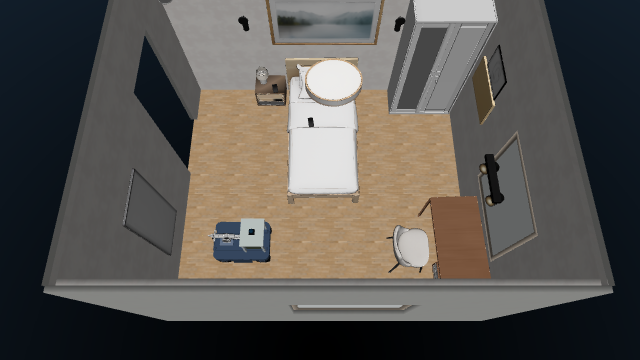
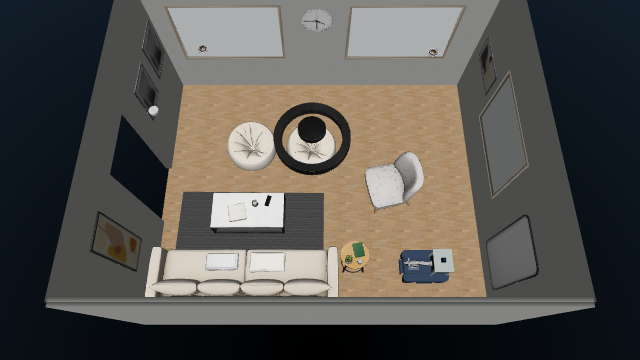
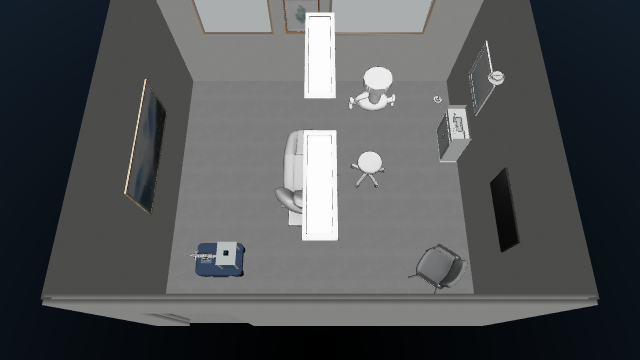
All Mesh environments supported by native MuJoCo are shown below:
| Default apartment | Dining room 036 |
|---|---|
|
|
| Bedroom 005 | Living room 030 |
 |
 |
| Office 125 | |
 |
To switch environments, stop Robonix and the simulator, then restart the simulator with another ID:
bash sim/start.sh --environment scenesmith_room_005
The environment changes visuals and geometry, not provider IDs or robot
capabilities. assets/environments/manifest.json selects visualMode
automatically; it is not a user-facing startup option.
kitchen and meeting_room require the Web backend. Every Mesh environment can
run with either backend.
Validation
With the default environment and Robonix stack running, on either backend:
cd ~/mujoco_robonix
bash scripts/acceptance.sh
The acceptance suite verifies provider state, both RGB-D cameras, LiDAR, point cloud, IMU, a non-empty occupancy map, Nav2 lifecycle, real base displacement, precise Nav2 arrival at the manipulation pose, five-second grasp stability, safe placement, and arm stow. It resets and moves the robot; do not run it alongside manual controls or a chat task.
Validate local packages without starting the simulator:
source scripts/env.sh
for package_dir in primitives/* skills/pick; do
  [[ -f "$package_dir/package_manifest.yaml" ]] && rbnx validate "$package_dir"
done
While the native container is running, use this fast model, SPZ guard, ray-sensor, and GPU RGB smoke test:
docker exec mujoco_robonix_sim python3 /workspace/sim/tests/native_smoke.py
Stop
Stop Robonix from Terminal 2 with Ctrl-C, or from another configured shell:
rbnx shutdown
Then stop Terminal 1 with Ctrl-C, or run:
bash sim/stop.sh
The two lifecycles are intentionally independent: sim/stop.sh does not shut
down Robonix, and rbnx shutdown does not close the simulator runtime.
The normal UI hides keyboard driving and actuator debug controls. Add &dev=1
to the URL during development to restore them. Orbiting the camera is always
available, while only the robot itself is draggable.
Add environments
The environment registry is assets/environments/manifest.json.
A minimal SPZ environment contains:
assets/environments/my_room/
  scene.spz
  collision.xml
  transform.json
  spawn.json
collision.xml must include continuous ground and obstacles. Environment geoms
visible to sensors use group="3". transform.json registers SPZ and MuJoCo
coordinates, and spawn.json defines a collision-free initial base pose. PLY to
SPZ conversion, collision generation, and spawn search are offline environment
authoring steps rather than robot primitives. Commit the final runtime assets,
not raw datasets or diagnostics.
A minimal Mesh environment contains:
assets/environments/my_mesh_room/
  scene.xml
  index.json
  spawn.json
  objects.xml       # optional; environment-level dynamic objects
  meshes/...
Convert a SceneSmith Room or House export with the repository tool:
python3 scripts/prepare-scenesmith.py \
  --source third_party/scenesmith/source/scene_187/mujoco \
  --output assets/environments/scenesmith_house_187 \
  --scene-id scenesmith_house_187 \
  --source-archive scene_187.tar \
  --source-subset House \
  --interactive-config config/scenes/scenesmith_house_187.interactive.json
The converter makes furniture static, generates collision geometry, searches for
a safe spawn, prunes unused assets, and preserves doorways between floor regions.
--interactive-config extracts selected small SceneSmith objects into an
environment-level objects.xml with free joints and compact colliders. Register
that file as objectsPath; dynamic task object names use the task_ prefix.
Limitations and safety
- This is a simulation body package; it does not include real Ranger or Piper CAN drivers.
- SPZ is visual-only, so sensor and contact fidelity depend on its registered collision XML.
- Pick implements a verified vertical grasp for registered task objects, not arbitrary 6-DoF grasp planning.
- The front camera serves Scene and Mapping; the wrist camera serves manipulation confirmation.
- Acceptance tests actively move the base and arm and modify dynamic object state.
Repository layout
assets/robots/ranger_mini_v3_piper/   Ranger, Piper, and sensor assets
assets/environments/                  replaceable SPZ and Mesh environments
primitives/                           six local Robonix primitives
skills/pick/                          object resolution, pick, and placement
sim/bridge/                           simulator-runtime-to-ROS 2 bridge
sim/native/                           native scene, control, sensors, and viewer
sim/tests/                            end-to-end runtime acceptance
config/                               RTAB-Map and Nav2 robot parameters
docs/media/                           README screenshots and demo recordings
urdf/ + soma.yaml                     transform tree, topology, footprint
robonix_manifest.yaml                 rbnx boot deployment entry point
scripts/                              bootstrap, lifecycle, validation, conversion
Upstream projects and license
- Robonix, the Robonix Book, and the real Ranger Mini V3 package for package, deployment, Soma, and lifecycle conventions;
- MuJoCo-GS-Web for the browser MuJoCo and Gaussian Splatting foundation;
- MuJoCo Menagerie AgileX Piper for Piper MJCF and meshes;
- SceneSmith and SceneSmith Example Scenes for textured room and apartment assets;
- Spark for SPZ rendering;
- MuJoCo-LiDAR for batched ray sensor references.
Project code is licensed under Apache-2.0. Third-party asset licenses and notices are stored with their corresponding assets and continue to apply on redistribution.