robonix.robot.pal_robotics.tiago_webots
robot
v0.1.0
Webots TIAGo Lite simulation deployment — differential-drive base, head RGB-D camera, planar lidar, audio, mapping, navigation and exploration, with no robot hardware required.
robot-pal_robotics-tiago_webots
robonix.robot.pal_robotics.tiago_webots — Robonix deployment for the Webots
TIAGo Lite simulated robot. It runs the whole system end to end with no robot
hardware: differential-drive base, head RGB-D camera, planar lidar, and audio,
plus mapping, navigation, and exploration.
Bring up the simulator, boot Robonix against it, and drive the robot from
rbnx chat with requests like go to room 101, what can you see?, or
explore the office. This is the deployment the
Robonix quickstart
walks through, and the fastest way to see the system work before putting it on
a physical body.
Requirements
The simulator and several services run from the Robonix source tree, so a
robonix checkout is required alongside this repository. Point
ROBONIX_SOURCE_PATH at it:
export ROBONIX_SOURCE_PATH=/path/to/robonix
Layout
robot-pal_robotics-tiago_webots/
├── sim/                       NOT a robonix package. Plain docker
│   ├── start.sh               compose stack (Webots + eaios_webots).
│   └── ...                    Bring up FIRST, before anything else.
├── boot.sh                    Variant-aware wrapper around rbnx boot.
├── soma.yaml                  TIAGo Lite body description (default).
├── soma.full.yaml             Full single-arm TIAGo body description.
├── primitives/                One device = one package.
│   ├── tiago_chassis/         /amcl_pose + /cmd_vel  → chassis/{state, move}
│   ├── tiago_camera/          /head_front_camera/*   → camera/{snapshot, depth_snapshot}
│   ├── tiago_lidar/           /scanner               → lidar/snapshot
│   ├── tiago_health/          nominal simulated battery/wheel/sensor health
│   └── audio_driver/          (separate, mic/spkr — old schema, not deployed yet)
├── services/
│   └── tiago_nav2/            Nav2 launch + ActionClient wrapper
└── robonix_manifest.yaml      Top-level deploy manifest.
Drivers run inside the sim container via docker exec so they share
the simulator's DDS graph. They are NOT host-side processes; the host
only needs rbnx, Docker, and an X11 display.
Bring-up
Two terminals only:
# T1 — sim (Ctrl-C stops):
bash examples/webots/sim/start.sh

# T2 — robonix stack (whatever robonix_manifest.yaml declares):
bash examples/webots/boot.sh
rbnx boot from examples/webots/ remains equivalent to the default Lite
command. The wrapper is required when selecting the full variant because it
keeps Soma and simulated health on the same robot description.
TIAGo variants
The default lite variant is the existing TIAGo base and body without an arm:
# Terminal 1
bash examples/webots/sim/start.sh --tiago-variant lite

# Terminal 2
bash examples/webots/boot.sh --tiago-variant lite
The full variant uses Cyberbotics Webots R2025a Tiago: the same mobile
base and sensors plus its seven-axis front arm and default parallel gripper:
# Terminal 1 (keep this running)
bash examples/webots/sim/start.sh --tiago-variant full

# Terminal 2
bash examples/webots/boot.sh --tiago-variant full
The launcher automatically downloads the official Webots R2025a asset bundle
(about 661 MB) on the first full start; the Docker volume caches it for later
starts. Set ROBONIX_WEBOTS_DOWNLOAD_ALL_ASSETS=0 only when the cache is
already populated by another method. Both terminals must use the same variant.
The full profile registers arm and gripper joint interfaces and reports their
nominal health, but it does not yet deploy a Robonix arm/gripper primitive, so
agent plans cannot command manipulation tasks yet.
W3D streaming clients resolve mesh and HDR URLs in the browser as well as in
Webots. The computer running the browser therefore needs direct or proxied
access to raw.githubusercontent.com; the server-side Docker cache does not
replace that browser requirement.
The sim launcher supports multiple built-in worlds:
bash examples/webots/sim/start.sh --world office.wbt
bash examples/webots/sim/start.sh --world apartment.wbt
bash examples/webots/sim/start.sh --world complete_apartment.wbt
bash examples/webots/sim/start.sh --world break_room.wbt
bash examples/webots/sim/start.sh --world kitchen.wbt
You can also pre-export ROBONIX_WEBOTS_WORLD=<world>.wbt.
office.wbt is the default. Its small, checksum-pinned cache downloads once
from the
syswonder/robonix-assets
Release through https://ghfast.top/ and is then reused from the persistent
Docker volume. For apartment.wbt, complete_apartment.wbt, break_room.wbt,
and kitchen.wbt, enable the official Webots offline asset bundle once:
ROBONIX_WEBOTS_DOWNLOAD_ALL_ASSETS=1 \
  bash examples/webots/sim/start.sh --world apartment.wbt
This downloads Cyberbotics' assets-R2025a.zip release asset through the same
mirror and stores it in the persistent Webots cache volume. Later runs reuse
the cache.
office.wbt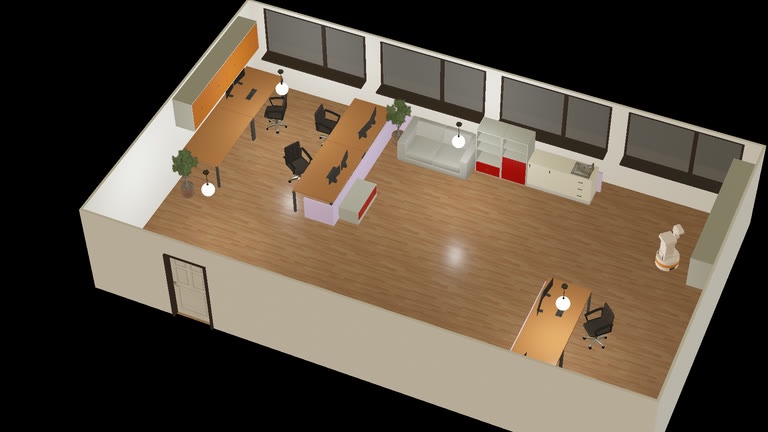 |
apartment.wbt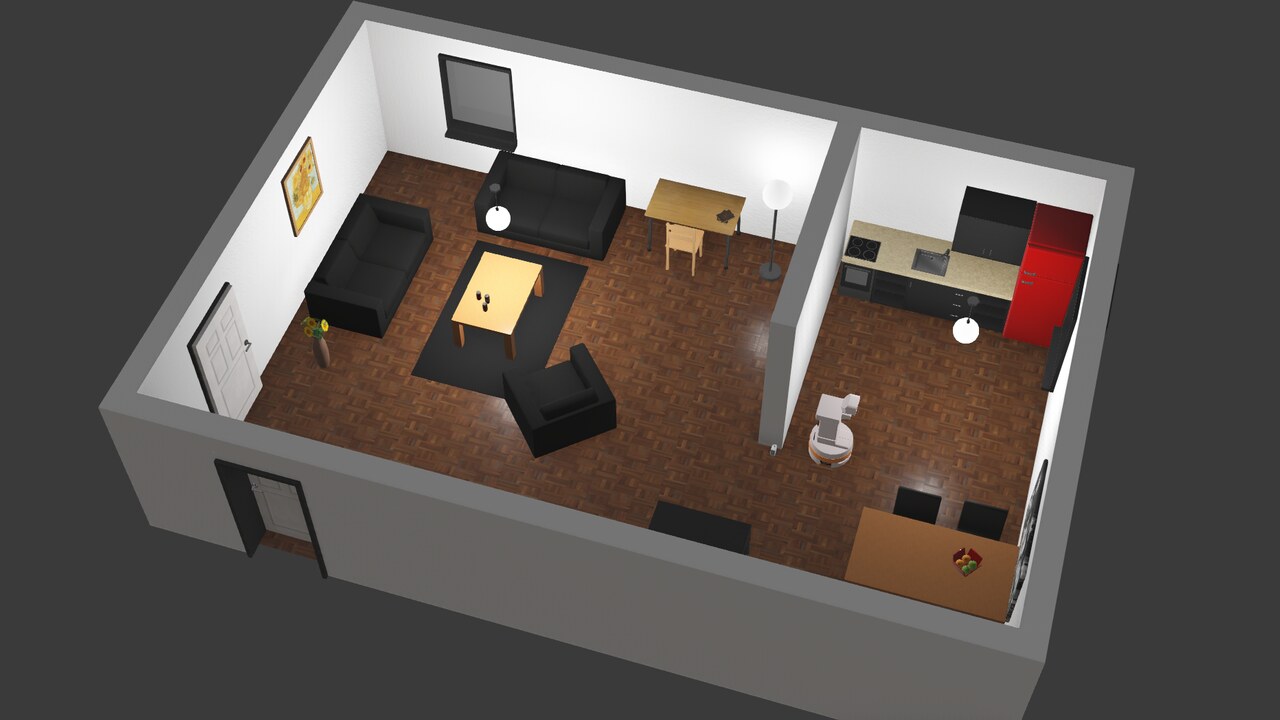 |
complete_apartment.wbt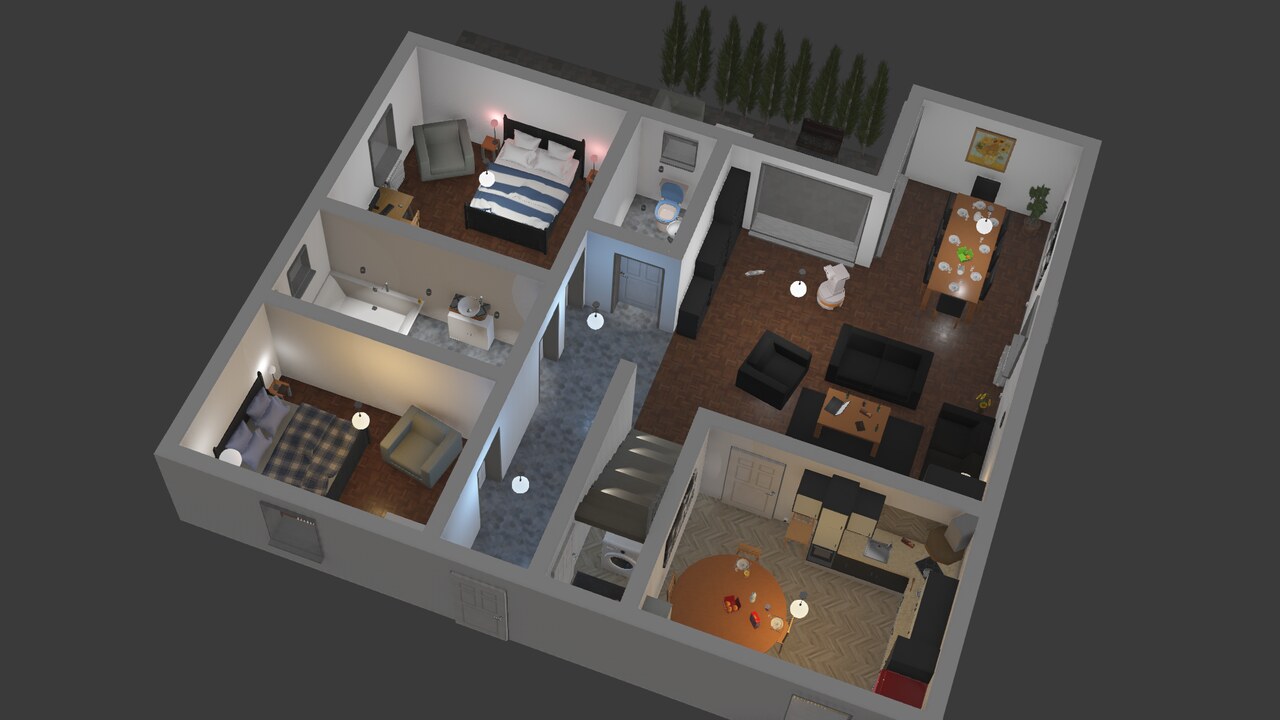 |
break_room.wbt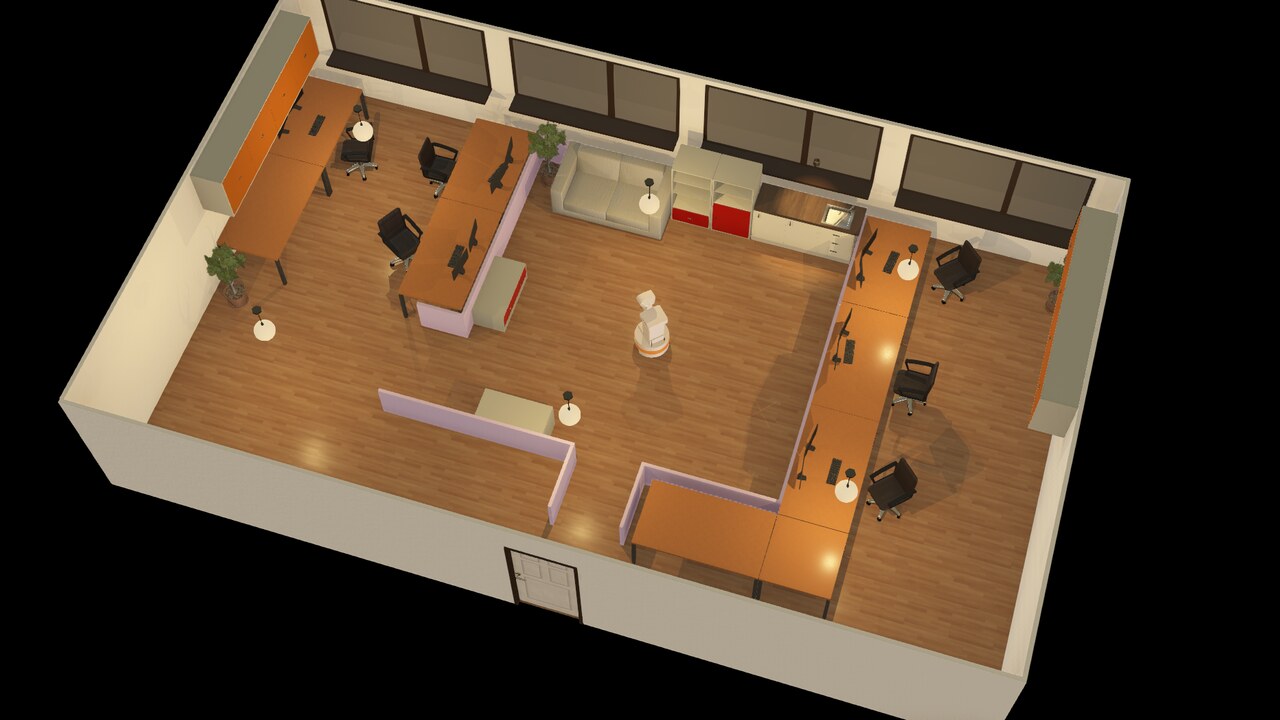 |
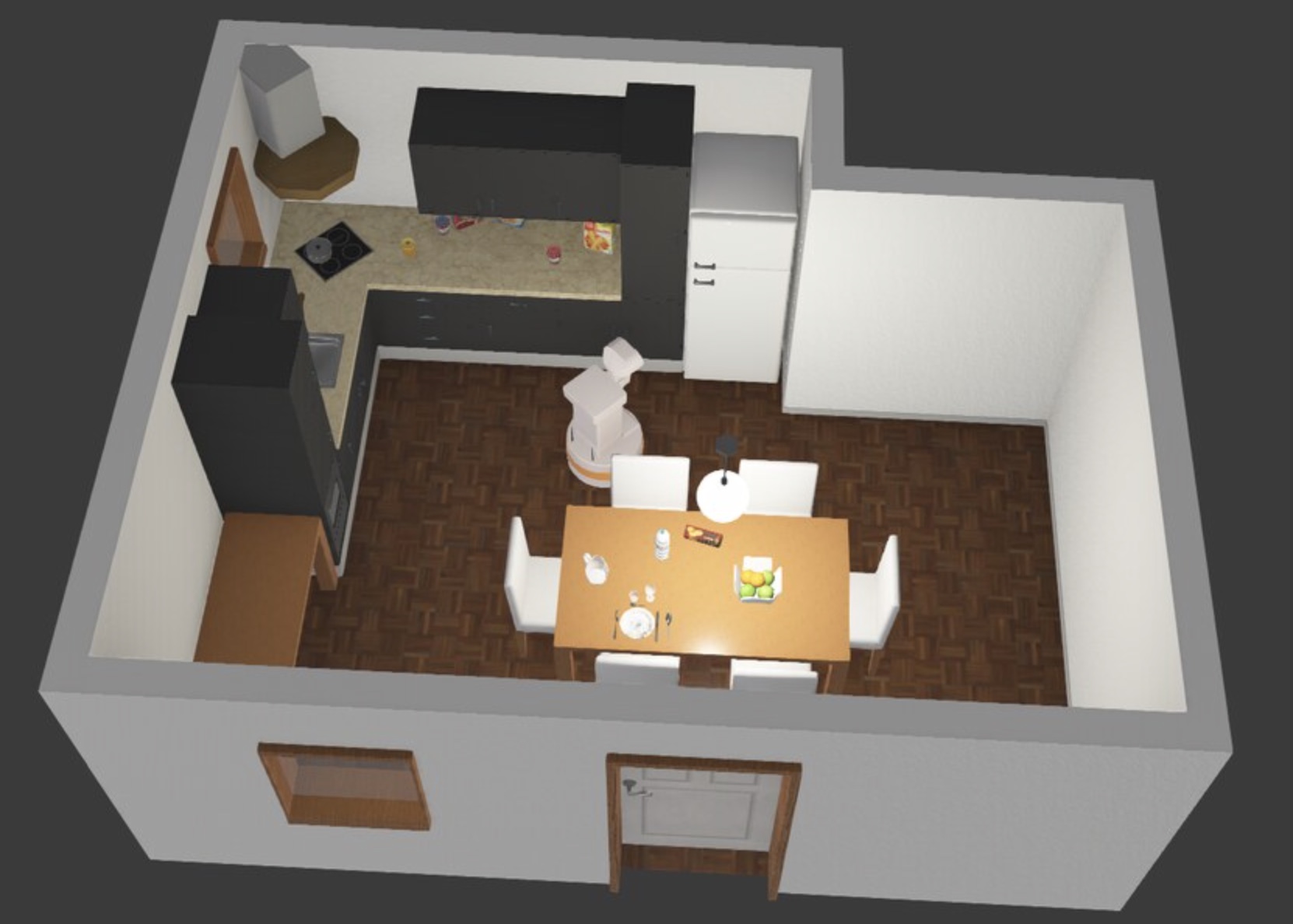
kitchen.wbt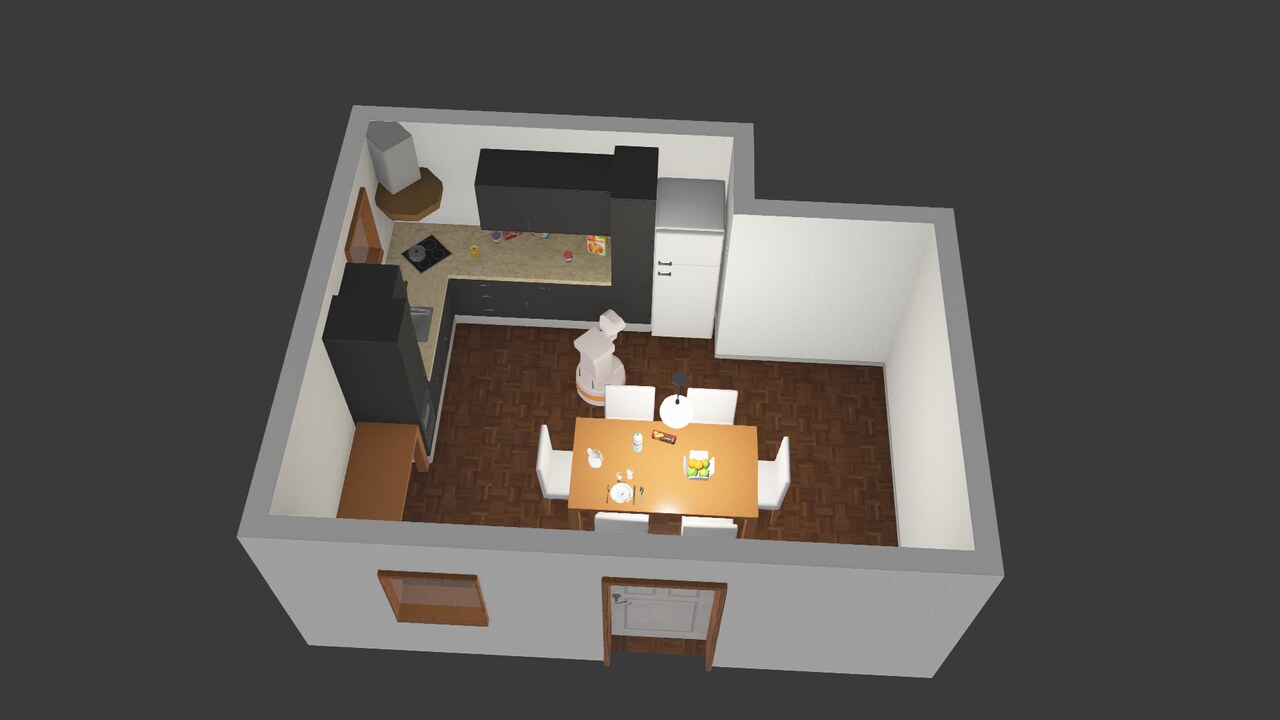 |
Then a third terminal for rbnx chat. rbnx caps lists the
capabilities atlas knows about; rbnx tools lists the MCP tools
the LLM agent can call.
Simulated hardware health
rbnx boot starts tiago_health during Soma stage 1. The primitive publishes
nominal battery, wheel, camera, lidar, and audio readings every 500 ms; Soma
maps those readings onto the component tree in soma.yaml. With the full
variant it also publishes all seven arm joints and the gripper against
soma.full.yaml.
The deployment manifest declares Vitals as a built-in system component, so
rbnx boot starts it automatically after Soma and Pilot. Soma uses 50091
and voiceprint uses 50092 in this deployment, so Vitals listens on 50093.
Confirm that Atlas sees it as active:
rbnx caps -v | rg vitals
Query the normalized result:
cd /path/to/robonix
PROTO_DIR=$(ls -td target/debug/build/robonix-vitals-*/out | head -n1)

grpcurl -plaintext \
  -import-path "$PROTO_DIR" \
  -proto robonix_contracts.proto \
  -d '{}' \
  127.0.0.1:50093 \
  robonix.contracts.RobonixSystemVitalsGet/GetVitals | jq
Expected power values are approximately 82% and 24.8 V; both wheels are
online with enabled torque and temperatures below the default thresholds.
The primitive's manifest config includes scenario: normal. This is the
reserved entry point for future fault profiles; unsupported values currently
fail initialization instead of returning misleading healthy data.
To tear everything down: Ctrl-C the rbnx boot terminal, OR from
any other shell:
cd examples/webots && rbnx shutdown    # SIGTERM each component's PGID
bash sim/stop.sh                       # then stop the Webots container
rbnx shutdown reads rbnx-boot/state.json (boot writes it
incrementally as components come up) and tears them down in
reverse order. Each chassis / camera / lidar / nav2 package's
scripts/start.sh installs a trap that pkills the in-container
python on EXIT/INT/TERM — so the docker-exec'd drivers don't
strand the next bring-up by holding ports 50111-50113 / 50211-50213.
Env vars
Pre-export before rbnx boot (or set in shell rc):
export VLM_BASE_URL=https://api.openai.com/v1   # or your OpenAI-compatible endpoint
export VLM_API_KEY=sk-...
export VLM_MODEL=gpt-5.5
The deploy manifest references these via ${VLM_*}.
What rbnx boot does
- Reads
robonix_manifest.yaml, brings up thesystem:block (including Vitals) and the implicitly required Soma process using their installed binaries. Listen addresses, log levels, and VLM settings come from the manifest. - For each
primitive:/service:entry, in declaration order: - Spawns the package via
rbnx start -p <path>(which runs that package'sscripts/start.sh— for tiago drivers that's adocker execinto the sim container that runs the Python driver). - Polls atlas until the package registers its first capability.
- If the new provider declared a
*/drivergRPC capability, also callsLifecycleDriver.Driver(CMD_INIT, config_json)to initialize it. Providers without a*/drivercapability are deployed as soon as they register (no init dance) — tiago drivers fall in this bucket. - Sits on Ctrl-C / SIGTERM, then tears down all children.
How the LLM picks tools
After rbnx boot is up, pilot's system prompt lists each provider's
CAPABILITY.md path; the LLM uses the executor's read_file builtin
to lazy-load the docs it needs (e.g. read_file("/path/to/tiago_chassis/CAPABILITY.md")).
Tools are exposed to the LLM as <area>_<leaf> to avoid leaf-name
collisions (camera and lidar both have a snapshot leaf — the LLM
sees camera_snapshot and lidar_snapshot). The MCP server inside
each driver still registers tools by leaf name.
The pilot's persistence prompt instructs the LLM to keep iterating
tools-then-reason until the task is verifiably done — taking a
fresh camera/snapshot after every physical action to confirm
progress.